
Child safety training center

Age-appropriate online safety training for children, teens, parents, and schools.

A structured online course area for practical digital safety skills: privacy, grooming red flags, cyberbullying, scams, harmful content, gaming safety, consent, reporting steps, short knowledge checks, and completion certificates.

3age tracks for junior, middle, and teen learners
10child online safety course modules
5–8minute video episodes with scenarios and practice
1completion certificate after the full assigned course path and checks

Training answer

How does online safety training support safeguarding?

Online safety training helps children, teens, parents, and school communities recognize risks, practise safer choices, and know how to ask for help. It supports safeguarding culture but does not replace case management, reporting, or emergency response.

For studentsAge-appropriate modules on privacy, unsafe contact, scams, cyberbullying, gaming, reporting, and recovery.
For parentsAwareness courses help caregivers talk calmly, set safer boundaries, and respond when something happens.
For schoolsTraining records and certificates can support awareness programs and safeguarding development.

Common questions

Who is the training for?

The training is designed for children, teens, parents, caregivers, and school communities.

Does training replace safeguarding reporting?

No. Training builds awareness, while safeguarding concerns still need structured reporting and case management.

Can certificates be used as participation records?

Yes. Certificates can show completion of an assigned awareness pathway, not proof that a child is safe online.

What topics are covered?

Topics include privacy, online strangers, cyberbullying, scams, gaming, harmful content, consent, reporting, and recovery.

Three learning tracks

Same safety principles, delivered differently by age.

Each module can be adapted for younger children, middle school learners, and teenagers so the training stays practical, clear, and age-appropriate.

Ages 7–10

Junior

Stories, cartoons, simple rules, safe/unsafe examples, trusted adults, and clear “ask for help” messages.

Ages 11–13

Middle

Scenarios, quizzes, message examples, privacy checks, and “what would you do?” choices.

Ages 14–17

Teen

Realistic roleplays, privacy and security skills, image-based abuse prevention, reporting steps, and recovery support.

Training approach

Practical digital literacy, not fear-based training.

Help learners recognize risky interactions, pressure, secrecy, manipulation, and unsafe requests.Teach children how to pause, preserve evidence, block/report, and involve a trusted adult quickly.Use age-appropriate examples from games, chats, social media, livestreaming, and messaging apps.Reinforce that children are not in trouble for asking for help, even if they made a mistake online.

Core phrases repeated across the series

  • Stop, screenshot, block, report, tell.
  • Unsafe people ask for secrecy.
  • You are not in trouble for asking for help.
  • Real friends respect boundaries.
  • Never trade privacy for gifts, attention, or followers.
  • If someone threatens you, tell a trusted adult immediately.

Course completion and certificates

Certificates are issued after the full course is completed.

Training is intended to be delivered through an online education platform, such as a self-hosted Moodle learning environment.Learners complete the course step by step, with short checks or tests used to confirm awareness before moving to the next course or module.A certificate of completion can be issued to each person only after the entire assigned course path has been completed.Certificates support school records, parent awareness programs, staff development tracking, and evidence of participation.

Assessment model

  • Short knowledge checks after key lessons.
  • Scenario-based questions to confirm practical understanding.
  • Progress tracking before learners move forward.
  • Completion certificate issued at the end of the full course, not for individual video views.

Course delivery model

Designed for real course completion, not passive video viewing.

The training content is intended to sit inside an online education platform where learners move through lessons in order, complete short checks, and receive a certificate only when the assigned course path is finished.

What learners do

Watch short lessons, answer scenario-based questions, practise safe decision-making, and confirm they understand the key action steps before moving forward.

What schools can track

Course progress, completed checks, module completion, certificate status, and participation records for awareness programs, staff development, and parent engagement.

What families receive

Clear language, practical safety steps, conversation prompts, device checklists, and a family online safety plan that can be reviewed at home.

What certificates mean

A certificate confirms completion of the assigned pathway and required checks. It should not be treated as proof that a child is safe online, but it helps show participation and awareness.

Child and teen video series

Structured online safety course modules for children and teens.

Each course card explains what the lesson will teach, the practical scenarios it will cover, and the activity or knowledge check learners complete before progressing in the online education platform.
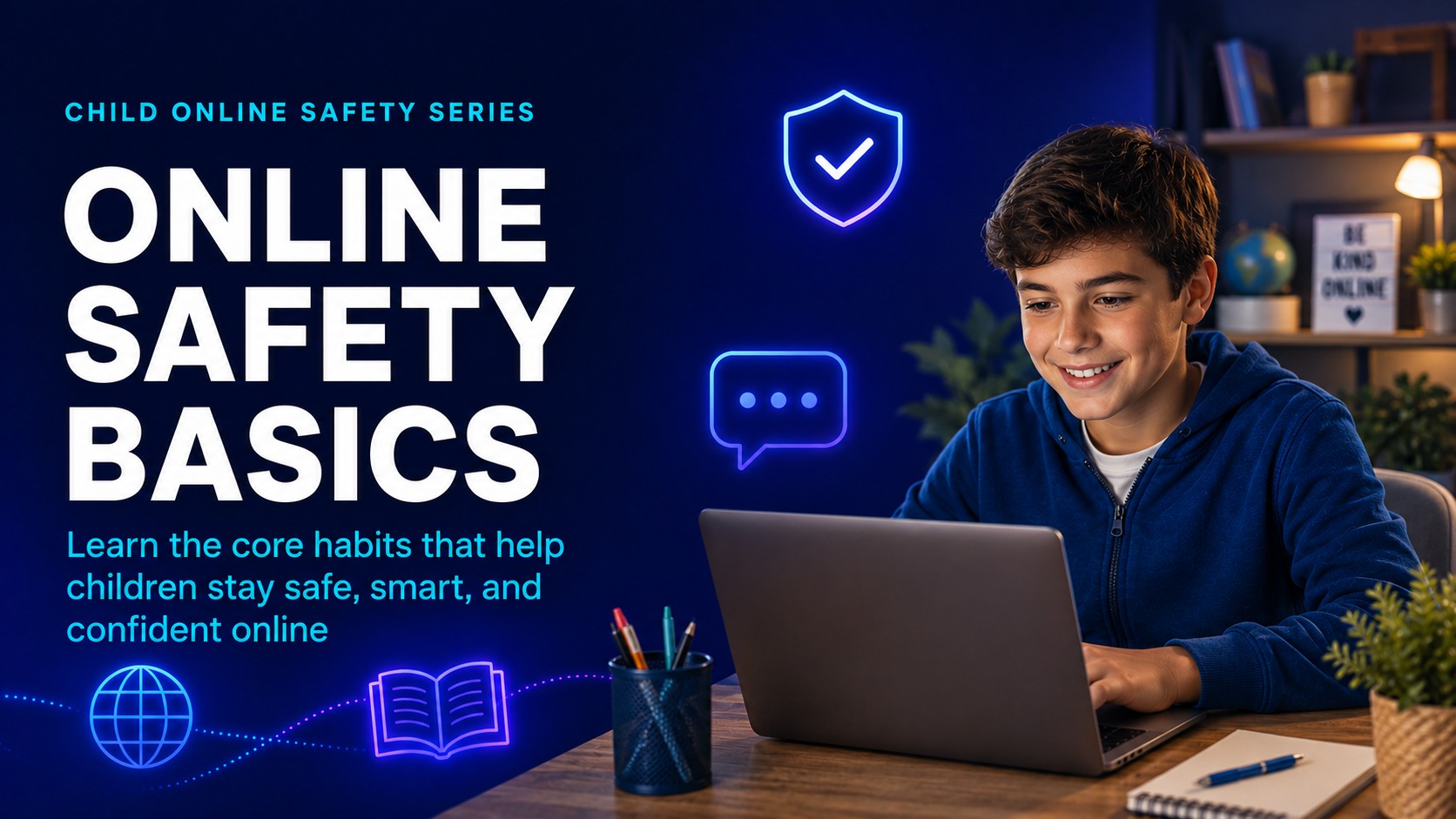
1Age 7–17

Your Online World

Help learners understand that games, chats, livestreams, social apps, and online communities are real social spaces with real risks and real support.
  • The Internet Is a Public Place
  • Private vs Public Information
  • Your Digital Footprint
  • The Safety Circle
ActivitySafe to share or not? Learners decide which examples are safe, risky, or need an adult.
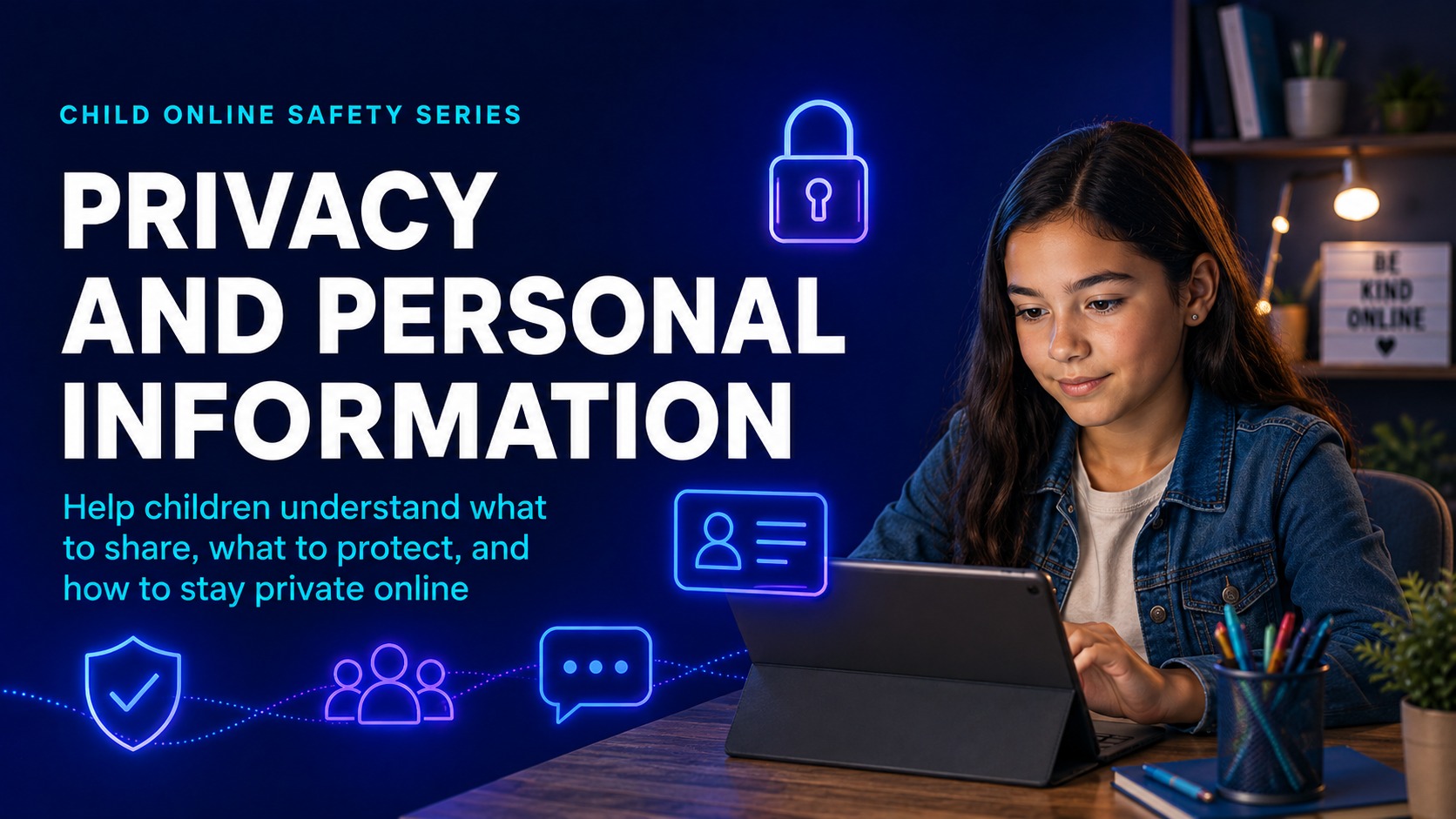
2Age 7–17

Privacy and Personal Information

Teach children to control what they share, protect personal information, and use account settings more safely.
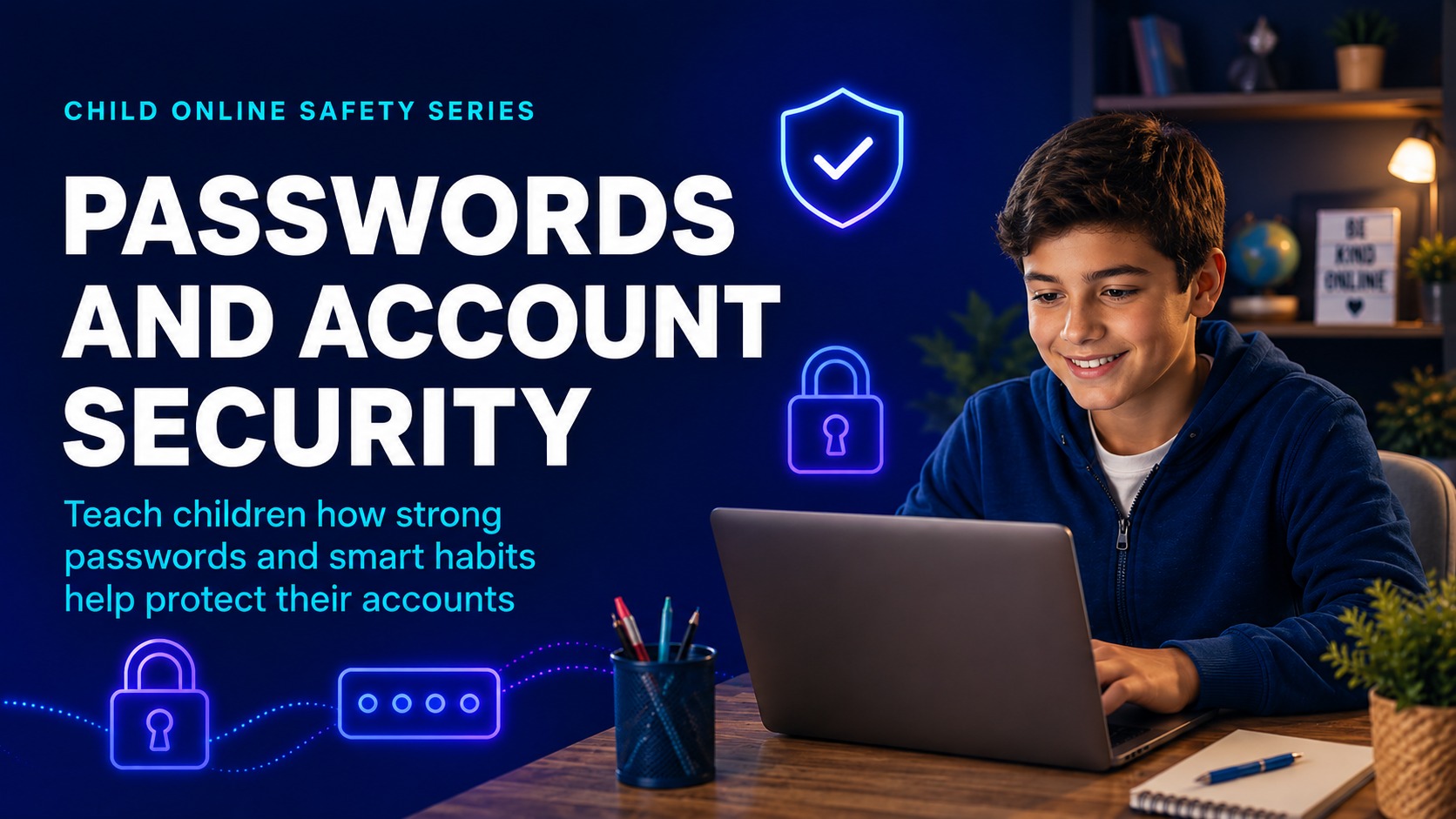
  • What Counts as Personal Information?
  • Location Safety
  • Strong Passwords and Account Safety
  • Privacy Settings
ActivityPrivacy check challenge using a mock profile and account settings.
3Age 7–17

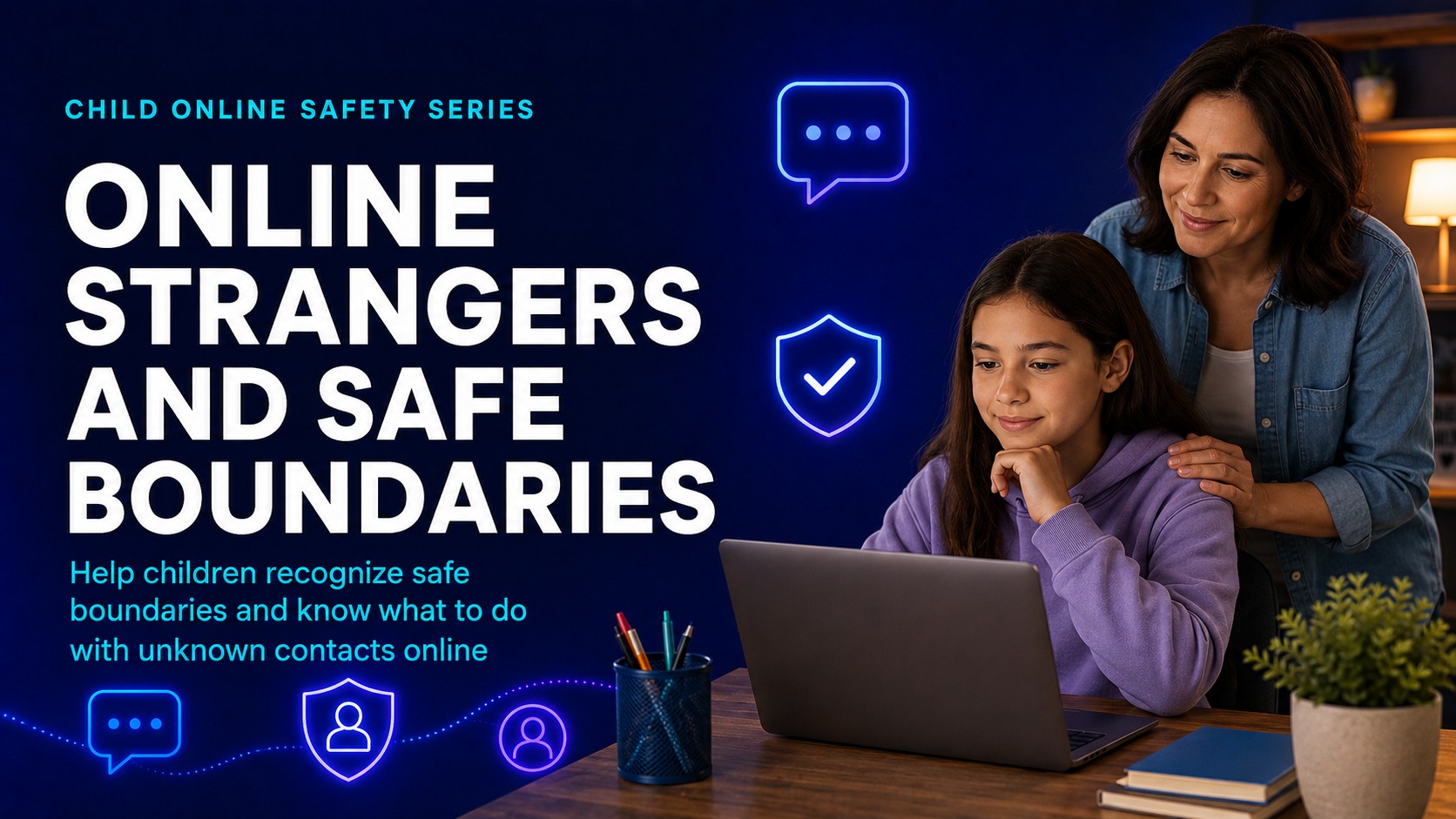
Online Strangers, Grooming, and Manipulation

Help learners recognize unsafe attention, secrecy, fake profiles, pressure, gifts, isolation, and requests to move into private chats.
  • Not Everyone Online Is Who They Say They Are
  • How Unsafe Adults Build Trust
  • Unsafe Secrets
  • What to Do When Someone Makes You Uncomfortable
ActivityRed flag or green flag? Learners review short message examples.
4Age 14–17

Sextortion and Image-Based Abuse

A careful teen-focused module explaining coercion, threats, blackmail, evidence saving, reporting, and the importance of asking for help quickly.
  • What Is Sextortion?
  • How Sextortion Usually Starts
  • What To Do If It Happens
  • Shame Is the Trap
ActivityDecision-tree scenario: a stranger threatens to share an image. What is the safest first step?
5Age 7–17

Cyberbullying, Harassment, and Peer Pressure

Help learners identify cyberbullying, avoid retaliation, save proof, block/report, and support others safely.
  • What Cyberbullying Looks Like
  • Don’t Feed the Fire
  • Being an Upstander
  • When Online Drama Becomes Serious
ActivityWhat would you do? Choose between screenshot, reply, block, report, or tell an adult.
6Age 11–17

Scams, Fake Offers, and Social Engineering

Teach that scams target excitement, fear, urgency, curiosity, and embarrassment.
  • Too Good to Be True
  • Phishing and Login Theft
  • Impersonation
  • Money, Gift Cards, and Crypto
ActivitySpot the scam: identify warning signs in fake messages and links.
7Age 7–17

Harmful Content and Mental Wellbeing

Help children respond to disturbing, violent, sexual, hateful, or self-harm-related content and understand healthy screen habits.

  • When Content Feels Wrong
  • Algorithms and Rabbit Holes
  • Misinformation and Manipulation
  • Healthy Screen Habits
ActivityPause, check, choose: decide whether to continue, report, leave, or ask for help.
8Age 7–17

Gaming, Chat, Livestreaming, and Social Apps

Teach platform-specific risk awareness across games, group chats, voice chat, livestreams, followers, and DMs.
  • Gaming Safety
  • Livestreaming Safety
  • Group Chats
  • Friend Requests and Followers
ActivityProfile audit: what could a stranger learn from a mock gaming or social profile?
9Age 7–17

Consent, Boundaries, and Respect

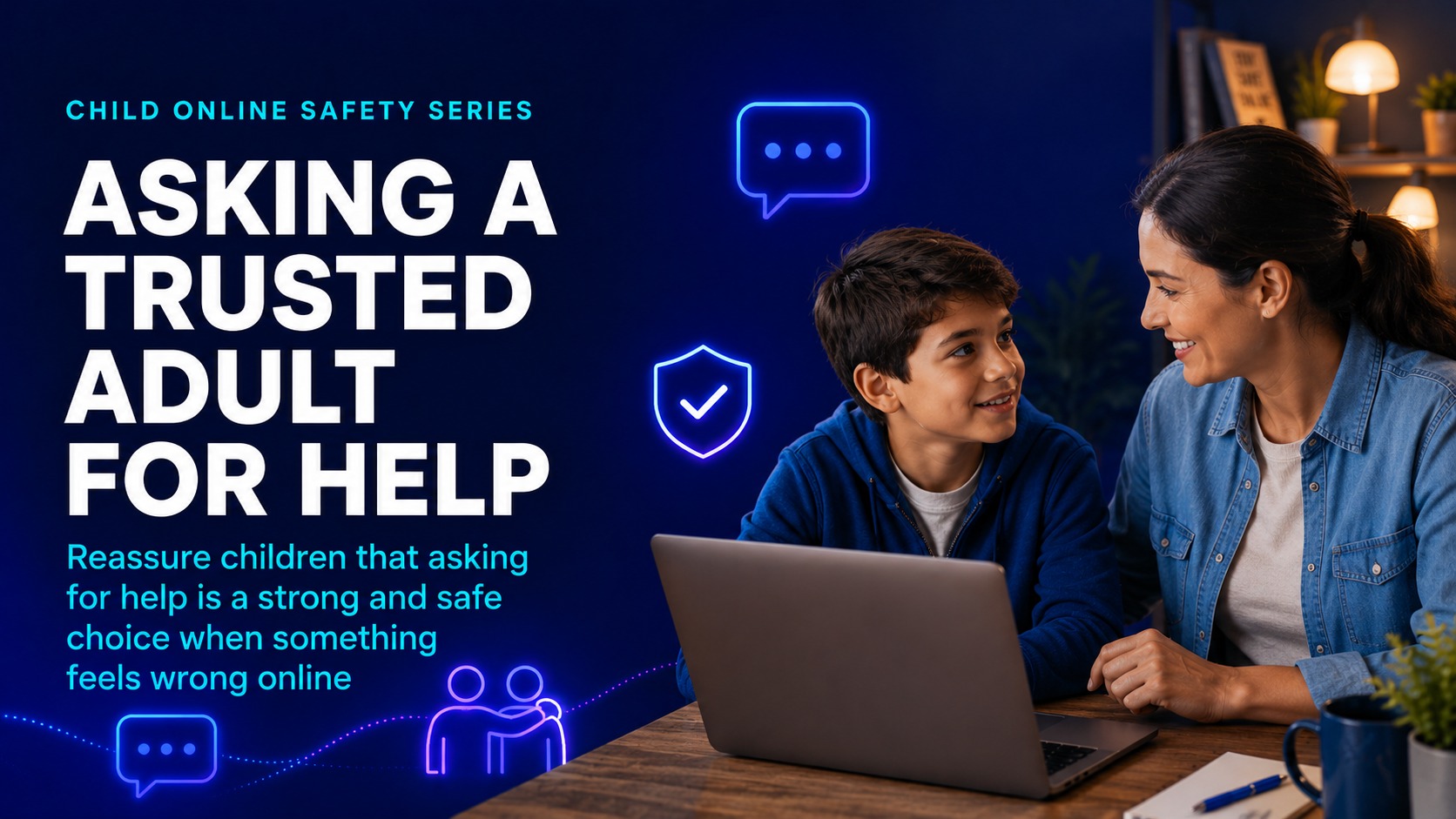
Teach that safety also means treating others safely: permission, boundaries, respectful communication, and helping friends at risk.
  • Consent Online
  • Pressure and Boundaries
  • Respectful Communication
  • When Someone Else Is at Risk
ActivityBoundary practice: rewrite unsafe messages into respectful ones.
10Age 7–17

Reporting, Recovery, and Getting Help

Make learners confident in what to do when something goes wrong and how to talk to a trusted adult.

  • The 5-Step Safety Plan
  • How to Report on Platforms
  • How to Talk to an Adult
  • You Are Not Alone
ActivityPersonal safety card: trusted adults, school contact, emergency number, and report links.

Parent and caregiver training

Protecting Children Online: a parent and caregiver awareness course.

Parent training is designed to complement the child course. It focuses on recognition, prevention, calm conversations, device and platform setup, incident response, recovery, and family safety planning.
Parent course focus

Recognize grooming, sextortion, cyberbullying, scams, harmful content, and platform-specific risks.Use calm conversation scripts that reduce shame and help children ask for support before a situation escalates.Set up safer accounts, privacy controls, device checks, parental controls, and family online safety agreements.Respond to incidents calmly by preserving evidence, reporting concerns, involving schools when appropriate, and seeking urgent help when there is danger.

How parent learning works

  • Short practical lessons explain the risk, show warning signs, and give parents clear next steps.
  • Scenario checks confirm that parents understand what to do before moving forward.
  • Downloadable guides can support device reviews, family rules, conversation scripts, and incident response.
  • Completion records and certificates can support parent awareness programs and school safeguarding evidence.
1Parents & caregivers

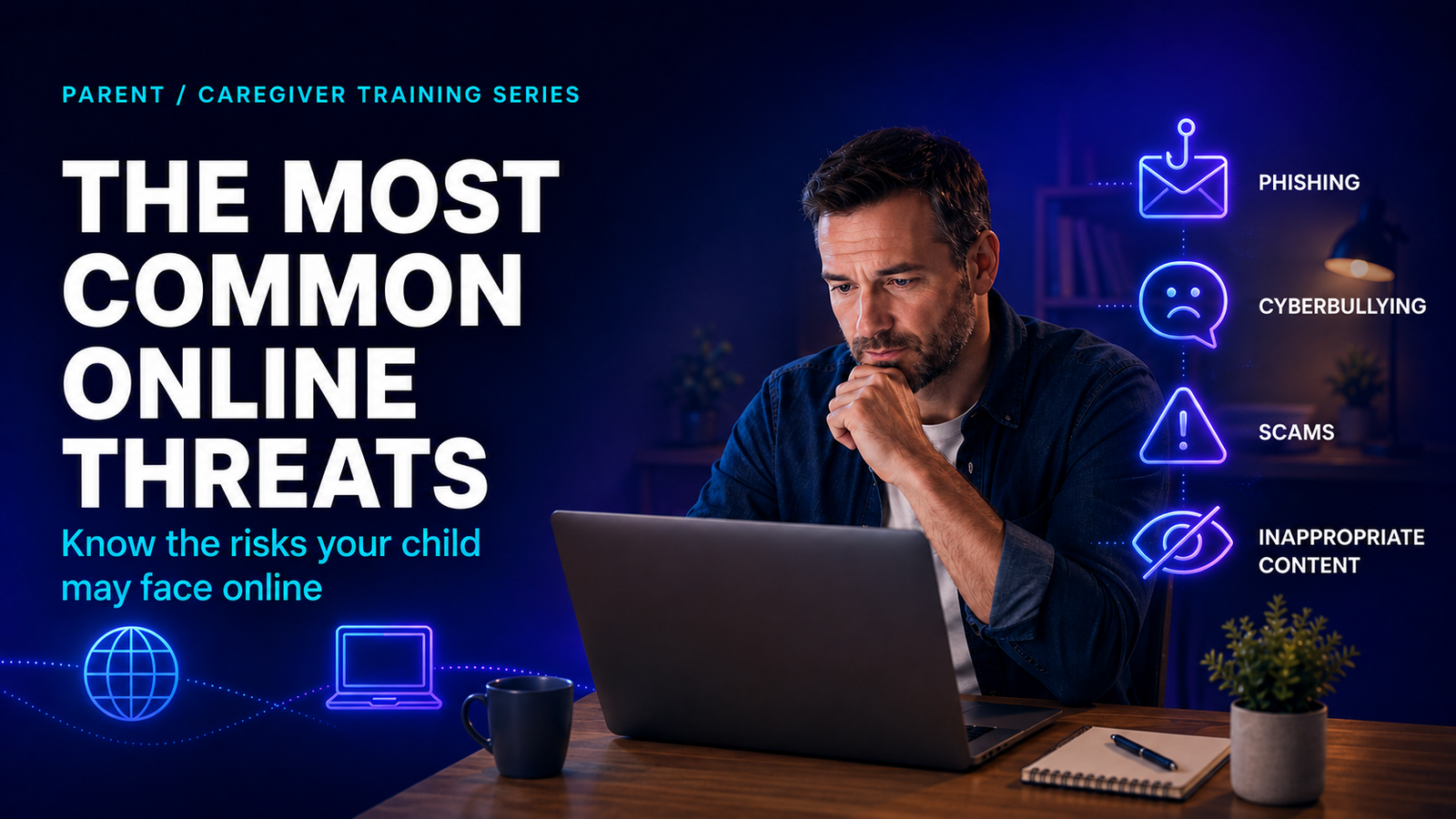
Understanding the Digital Childhood

Helps parents understand that online life is part of children’s real social life, not a separate world that can be ignored.
  • Why online safety matters now
  • Where risks happen
  • Why “just take the phone away” often fails
  • The parent’s role
Practical takeawayBe approachable, informed, calm, and ready to act before a crisis happens.
2Parents & caregivers

The Most Common Online Threats

Gives parents a clear map of the main risks children may face across social, gaming, messaging, and livestreaming spaces.
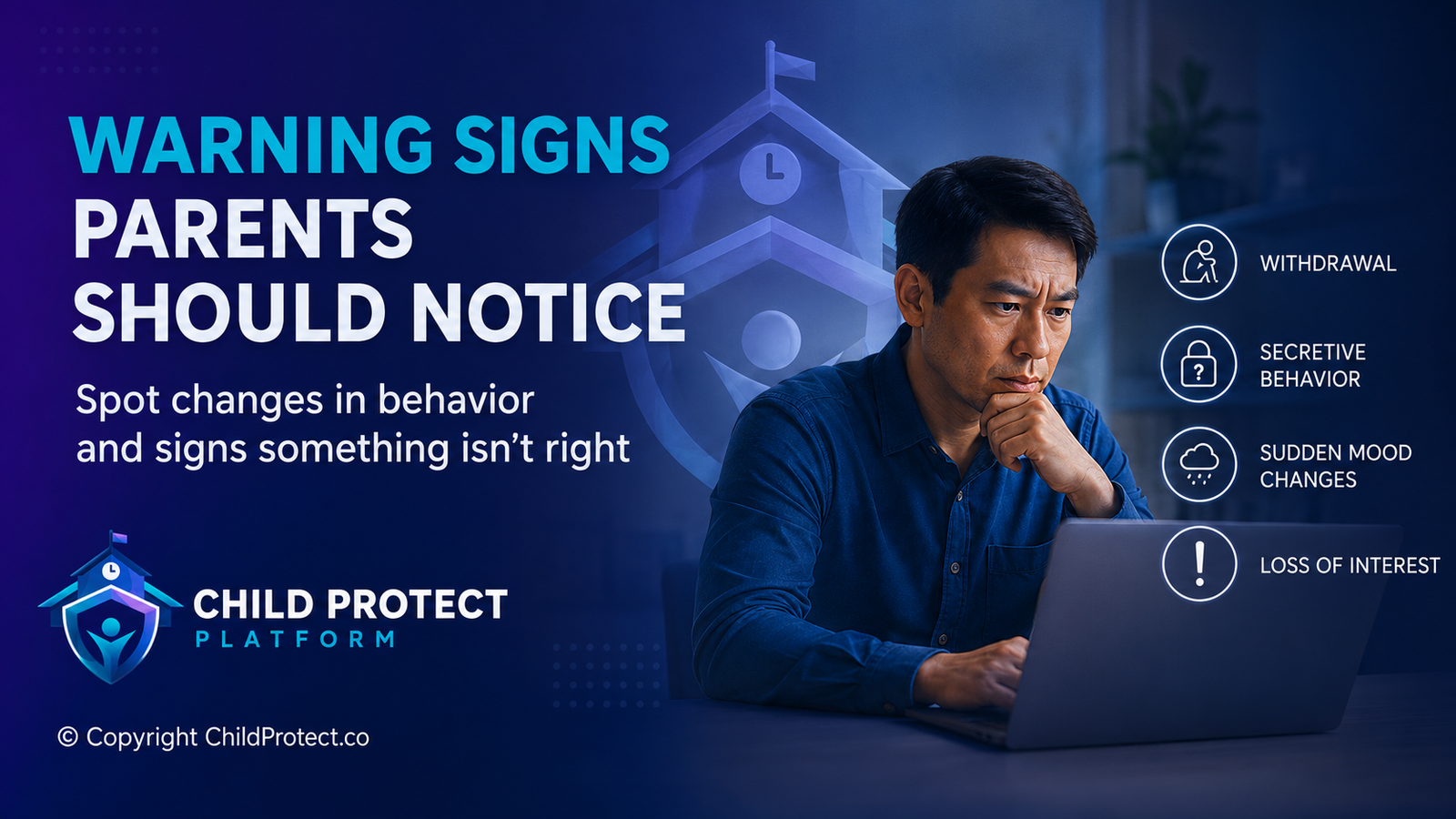
  • Online grooming
  • Sextortion and blackmail
  • Cyberbullying and peer abuse
  • Scams and account theft
  • Harmful content
Practical takeawayRecognize the broad categories of risk without using fear as the main teaching method.
3Parents & caregivers

Warning Signs Parents Should Notice

Teaches parents to notice behavioral, emotional, social, device-use, and money-related changes that may signal a child needs support.
  • Behavioral warning signs
  • Emotional warning signs
  • Social warning signs
  • Device and money warning signs
Practical takeawayWarning signs do not prove abuse or wrongdoing; they are signals to check in calmly.
4Parents & caregivers

How to Talk So Children Tell You the Truth

Provides practical scripts for starting calm conversations that reduce shame and make it easier for children to ask for help.
  • Start with safety, not blame
  • Conversation openers
  • What not to say
  • Keeping the door open
Practical takeawayUse calm language such as “You will not be in trouble for telling me.”
5Parents & caregivers

Privacy, Passwords, and Device Safety

Shows parents how to support safer accounts, devices, privacy settings, passwords, locations, and app permissions.
  • Account security basics
  • Privacy settings
  • Location settings
  • App permissions
  • Device checkups
Practical takeawayCreate a simple family routine for reviewing accounts, apps, and privacy settings.
6Parents & caregivers

Parental Controls Without Over-Reliance

Explains how parental controls can reduce exposure while still making communication, trust, and age-appropriate supervision central.

  • What controls can and cannot do
  • Phone and tablet controls
  • Gaming controls
  • Router and home network controls
  • The monitoring balance
Practical takeawayUse controls as support, not as the entire safety plan.
7Parents & caregivers

Gaming, Social Media, and Messaging Apps

Helps parents understand the specific spaces children use and the questions to ask about DMs, voice chat, followers, and groups.
  • Gaming risks
  • Social media risks
  • Messaging and group chat risks
  • Livestreaming risks
  • Questions parents should ask
Practical takeawayAsk practical questions such as “Who can message you?” and “Do you know how to block and report?”
8Parents & caregivers

Incident Response

Gives parents a calm first-response plan for grooming, sextortion, cyberbullying, shared images, threats, and urgent risk.

  • If your child is being groomed
  • If your child is being sextorted
  • If your child is being cyberbullied
  • If an image has been shared
  • When to contact authorities
Practical takeawayStay calm, save evidence, stop contact, report, and reassure the child before focusing on punishment.
9Parents & caregivers

Family Online Safety Plan

Helps families create clear expectations before a crisis happens, including rules, trusted adults, device routines, and check-ins.
  • Family digital agreement
  • Trusted adult list
  • House rules for devices
  • The “no trouble” rule
  • Monthly safety check-in
Practical takeawayBuild a family plan that children know how to use when something goes wrong.
10Parents & caregivers

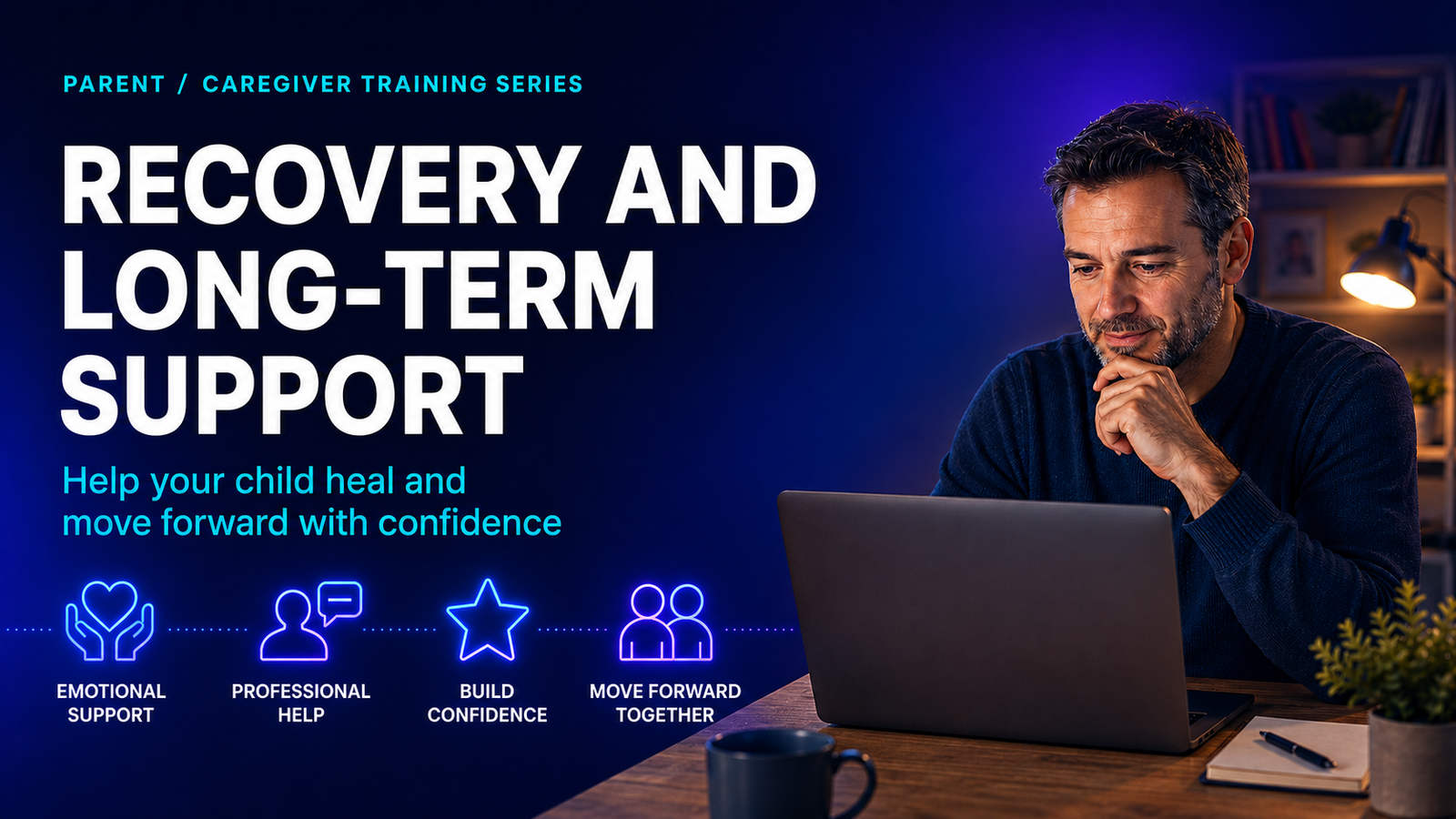
Recovery and Long-Term Support

Shows parents how to reduce shame, support mental health, rebuild trust, work with schools, and keep skills updated.

  • Reducing shame
  • Mental health support
  • Rebuilding trust
  • Working with schools
  • Keeping skills updated
Practical takeawaySeparate the child from the incident and continue calm safety conversations over time.
Important safeguarding noteThis training content is educational and does not replace local safeguarding policies, emergency procedures, national reporting routes, or professional advice. If a child is in immediate danger, contact the appropriate emergency or child-safety authority in your country.

Want to connect training with safeguarding workflows?

Child Protect Platform can support structured reporting, case management, evidence preservation, role-based access, and multi-school oversight alongside your school’s training and safeguarding procedures.

Request a demo

Related safeguarding topics

Explore related workflows that help schools connect reporting, case management, evidence, access control, and training.