


Junior
Stories, cartoons, simple rules, safe/unsafe examples, trusted adults, and clear “ask for help” messages.
The Child Protect Academy is open. Two courses are available now after sign-in, and the full set of ten courses in English and Thai is scheduled for launch. Join the waiting list to be notified as more are added.
Child safety training center
A structured online course area for practical digital safety skills: privacy, grooming red flags, cyberbullying, scams, harmful content, gaming safety, consent, reporting steps, short knowledge checks, and completion certificates.
The facts most often asked about, in one place.
Safeguarding case-management software for schools (Child Protect Platform) plus child-safety training (Child Protect Academy). Not an internet filter.
Thai and English across the platform and the Academy.
Ten student courses in three age tracks (7–10, 11–13, 14–17), each with 7 to 12 video lessons, a quiz before the next lesson and a digital certificate.
Seven user roles, role-based access, two-factor authentication and a full audit trail.
Anonymous reporting by QR code or link with no account, structured staff reporting, and automatic escalation of critical concerns.
Starter ฿3,500, Professional ฿7,500, Multi-School ฿12,500 per month (up to three schools). Setup from ฿15,000. Free basic courses on the Academy.
Child Protect combines child-safety education for students and parents with safeguarding case management for school teams. Training helps children and parents recognize unsafe situations and know how to ask for help, which can help concerns surface earlier. When a concern is raised, the Child Protect safeguarding platform supports reporting, response and case management. The two are separate tools today, and training records are not automatically linked to cases.
What is available today: the Child Protect safeguarding platform is live. The Child Protect Academy is live at edu.childprotect.co, with video lessons, guided quizzes, step-by-step progress and completion certificates. Two courses are available now after signing in, and the full set of ten courses, in English and Thai, is scheduled for launch. Schools can join the waiting list to be notified.
Related: safeguarding case management, anonymous reporting, external referrals.
Training answer
Online safety training helps children, teens, parents, and school communities recognize risks, practise safer choices, and know how to ask for help. It supports safeguarding culture but does not replace case management, reporting, or emergency response.
The training is designed for children, teens, parents, caregivers, and school communities.
No. Training builds awareness, while safeguarding concerns still need structured reporting and case management.
Yes. Certificates can show completion of an assigned awareness pathway, not proof that a child is safe online.
Topics include privacy, online strangers, cyberbullying, scams, gaming, harmful content, consent, reporting, and recovery.
Three learning tracks
Each module can be adapted for younger children, middle school learners, and teenagers so the training stays practical, clear, and age-appropriate.
Stories, cartoons, simple rules, safe/unsafe examples, trusted adults, and clear “ask for help” messages.
Scenarios, quizzes, message examples, privacy checks, and “what would you do?” choices.
Realistic roleplays, privacy and security skills, image-based abuse prevention, reporting steps, and recovery support.
Training approach
Course completion and certificates
Course delivery model
The training content is intended to sit inside an online education platform where learners move through lessons in order, complete short checks, and receive a certificate only when the assigned course path is finished.
Watch short lessons, answer scenario-based questions, practise safe decision-making, and confirm they understand the key action steps before moving forward.
Course progress, completed checks, module completion, certificate status, and participation records for awareness programs, staff development, and parent engagement.
Clear language, practical safety steps, conversation prompts, device checklists, and a family online safety plan that can be reviewed at home.
A certificate confirms completion of the assigned pathway and required checks. It should not be treated as proof that a child is safe online, but it helps show participation and awareness.
Child and teen video series
Each course card explains what the lesson will teach, the practical scenarios it will cover, and the activity or knowledge check learners complete before progressing in the online education platform.
Help learners understand that games, chats, livestreams, social apps, and online communities are real social spaces with real risks and real support.
Teach children to control what they share, protect personal information, and use account settings more safely.
Help learners recognize unsafe attention, secrecy, fake profiles, pressure, gifts, isolation, and requests to move into private chats.
A careful teen-focused module explaining coercion, threats, blackmail, evidence saving, reporting, and the importance of asking for help quickly.
Help learners identify cyberbullying, avoid retaliation, save proof, block/report, and support others safely.
Teach that scams target excitement, fear, urgency, curiosity, and embarrassment.
Help children respond to disturbing, violent, sexual, hateful, or self-harm-related content and understand healthy screen habits.
Teach platform-specific risk awareness across games, group chats, voice chat, livestreams, followers, and DMs.
Teach that safety also means treating others safely: permission, boundaries, respectful communication, and helping friends at risk.
Make learners confident in what to do when something goes wrong and how to talk to a trusted adult.
Read what each of the ten courses teaches, the lessons inside it and the hands-on activity.
Parent and caregiver training
Parent training is designed to complement the child course. It focuses on recognition, prevention, calm conversations, device and platform setup, incident response, recovery, and family safety planning.
Helps parents understand that online life is part of children’s real social life, not a separate world that can be ignored.
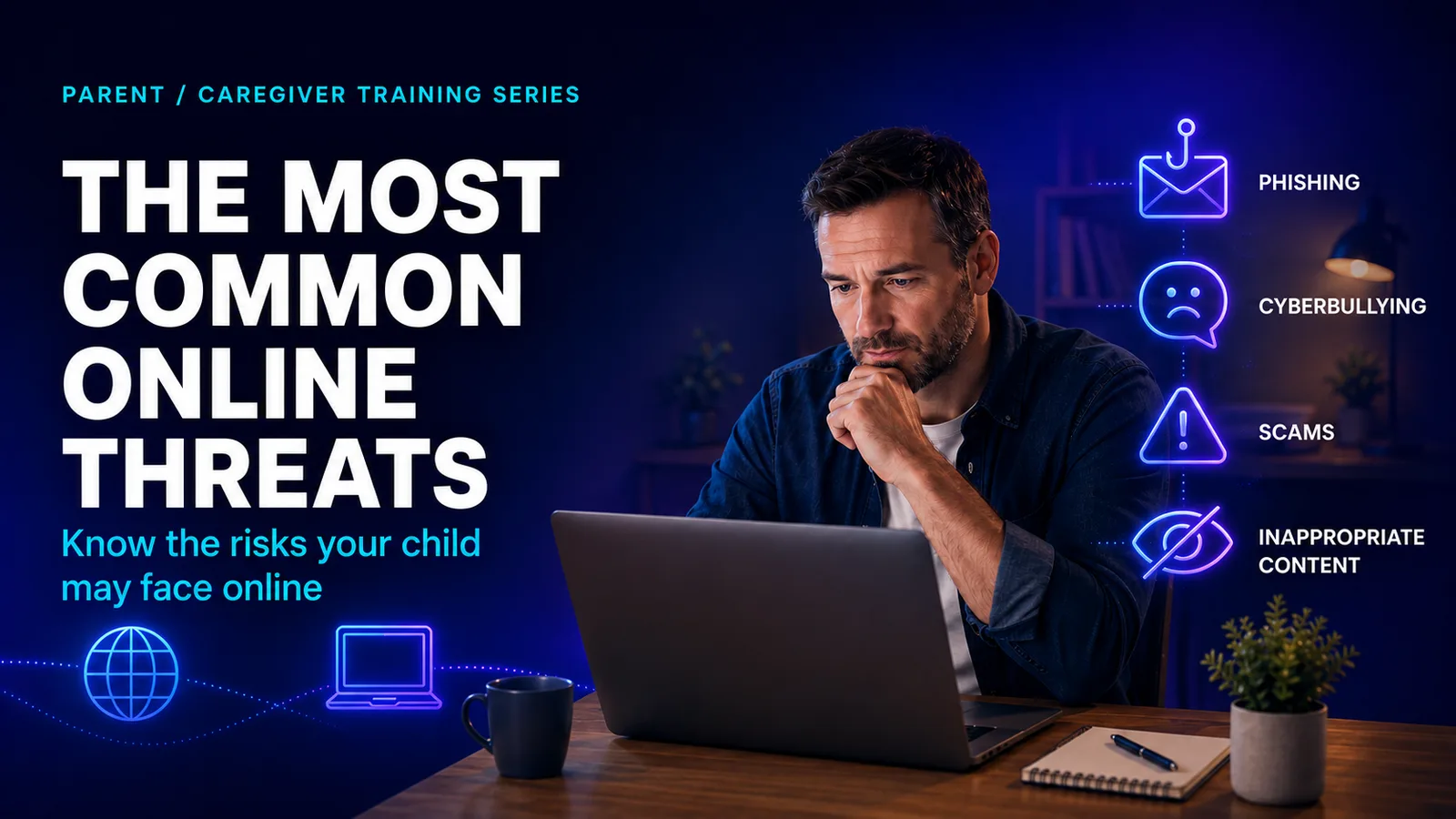
Gives parents a clear map of the main risks children may face across social, gaming, messaging, and livestreaming spaces.
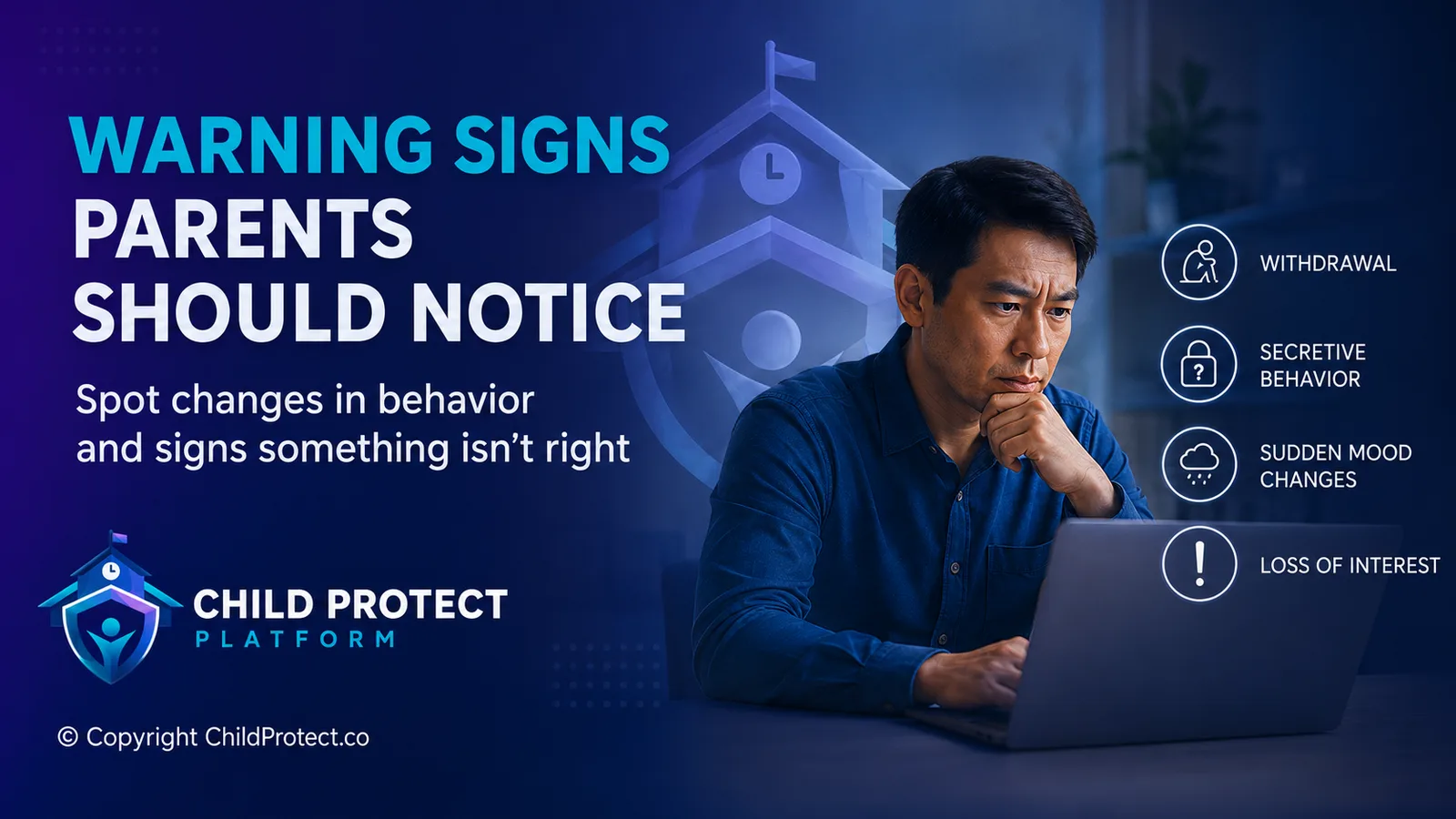
Teaches parents to notice behavioral, emotional, social, device-use, and money-related changes that may signal a child needs support.
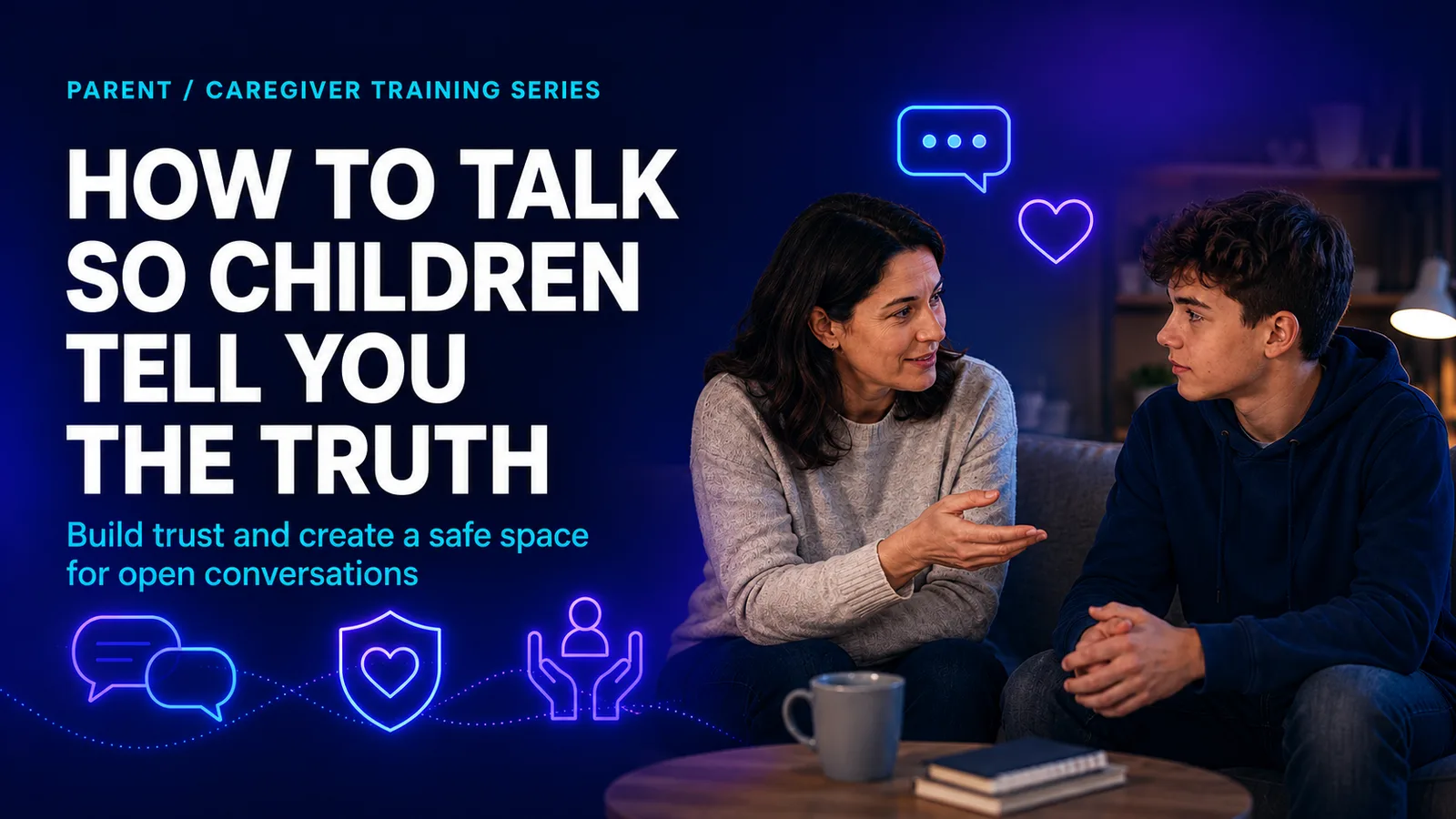
Provides practical scripts for starting calm conversations that reduce shame and make it easier for children to ask for help.
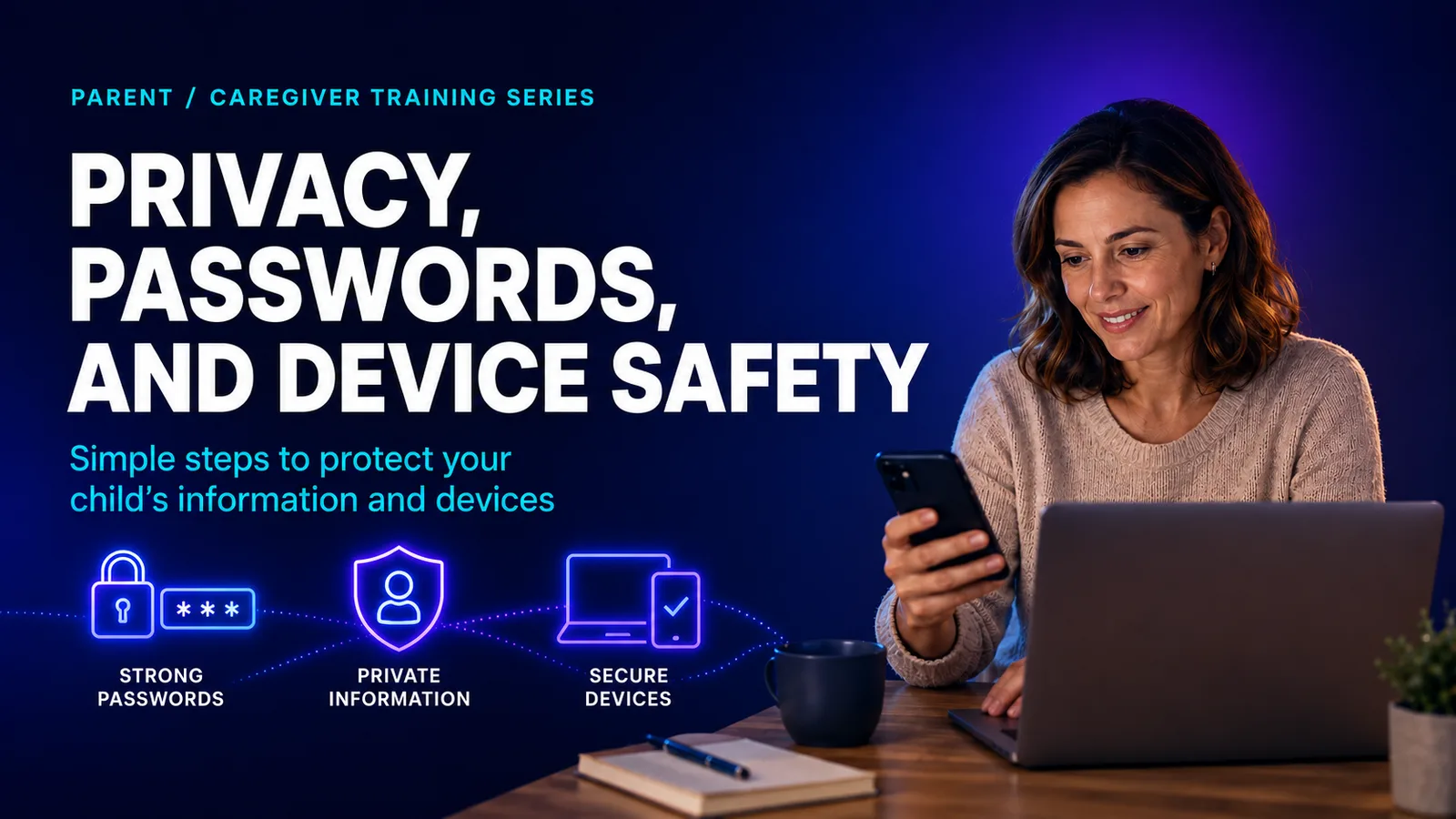
Shows parents how to support safer accounts, devices, privacy settings, passwords, locations, and app permissions.
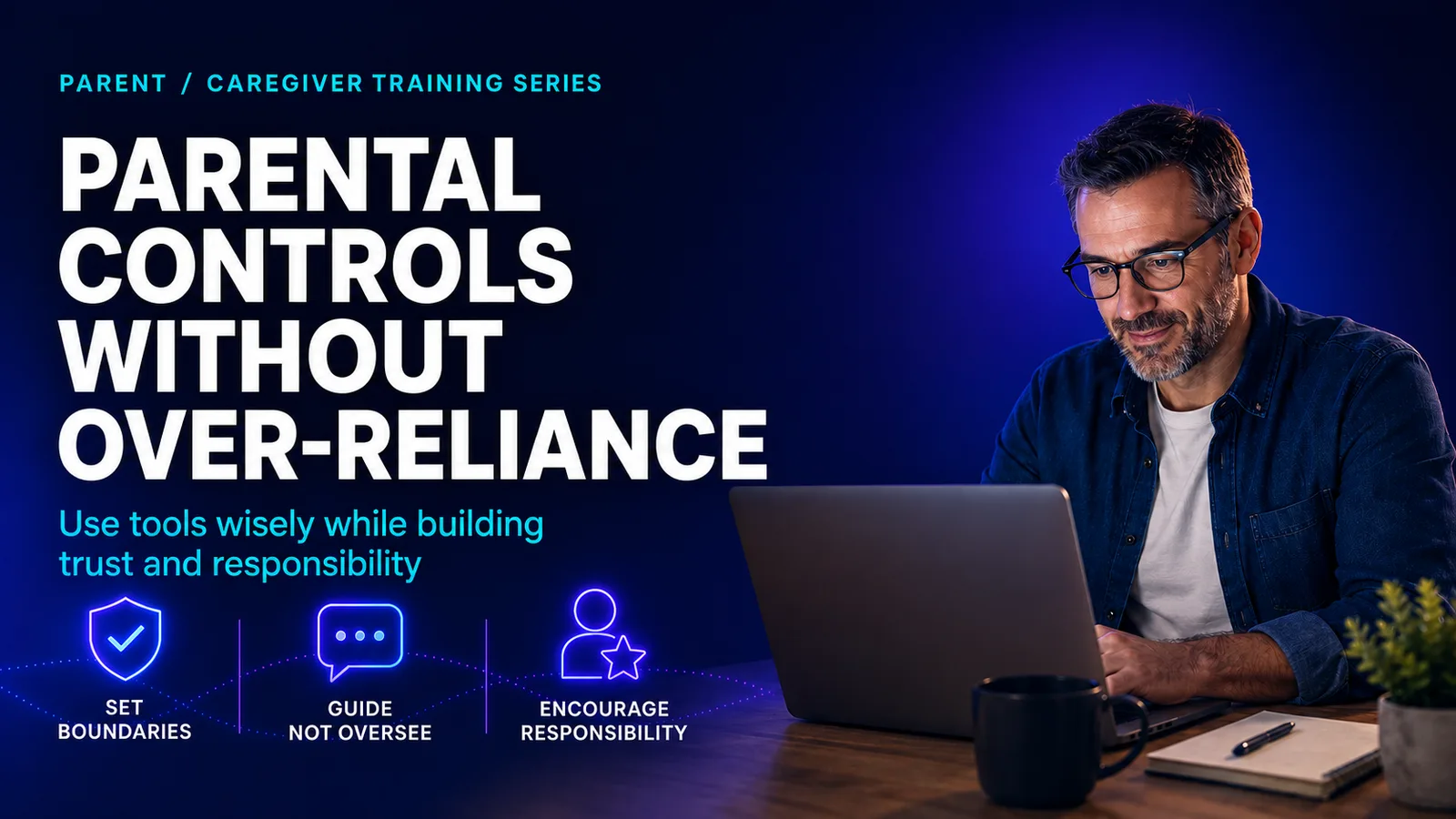
Explains how parental controls can reduce exposure while still making communication, trust, and age-appropriate supervision central.

Helps parents understand the specific spaces children use and the questions to ask about DMs, voice chat, followers, and groups.
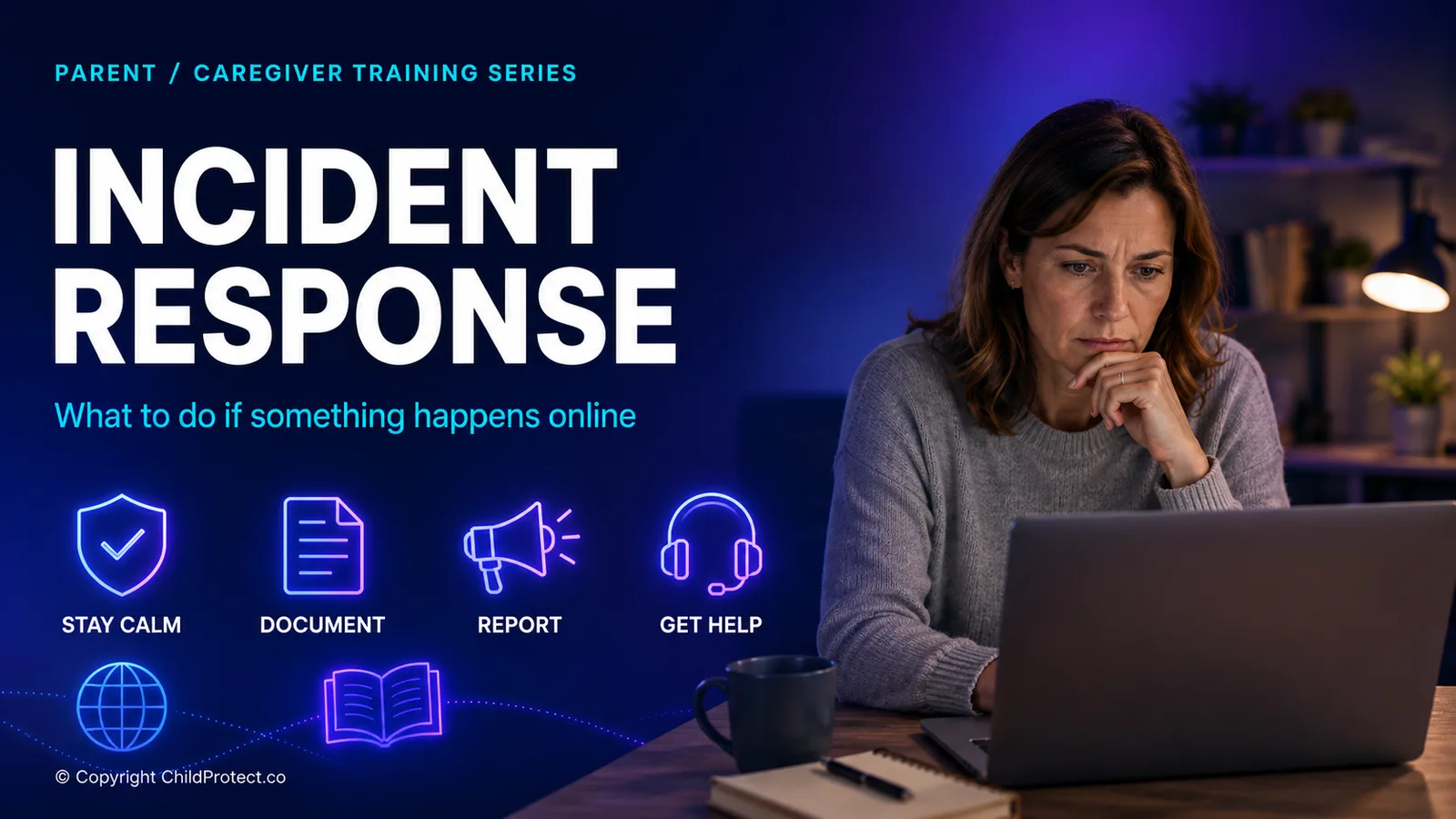
Gives parents a calm first-response plan for grooming, sextortion, cyberbullying, shared images, threats, and urgent risk.

Helps families create clear expectations before a crisis happens, including rules, trusted adults, device routines, and check-ins.
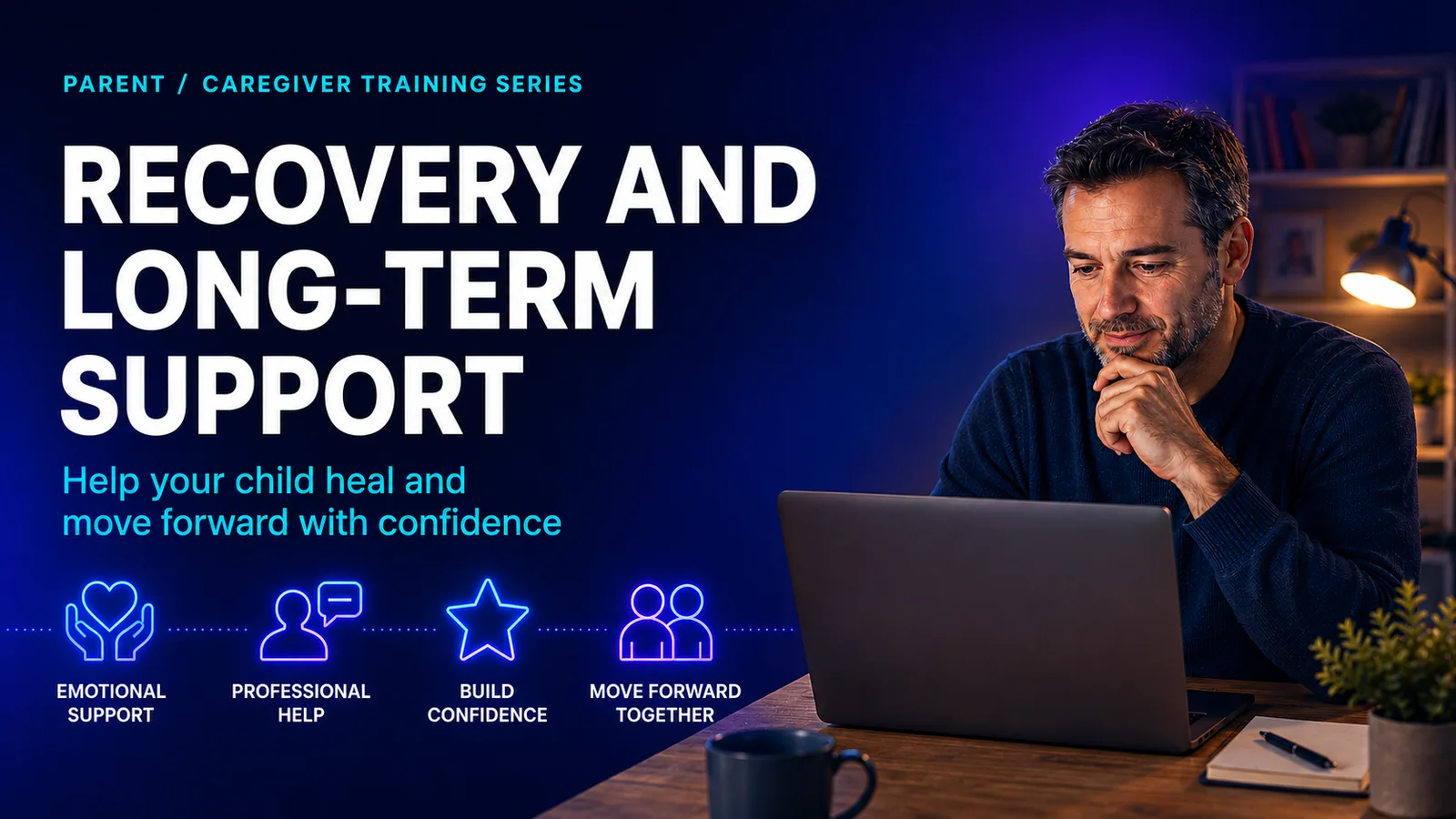
Shows parents how to reduce shame, support mental health, rebuild trust, work with schools, and keep skills updated.
Child Protect Platform can support structured reporting, case management, evidence preservation, role-based access, and multi-school oversight alongside your school’s training and safeguarding procedures.
Use the student, parent, and school safeguarding training guides to decide which course content is most useful for your community. Each pathway supports safer conversations, clearer reporting, and better preparation before concerns arise.
For official Thai government, law-enforcement, legal, and child-support referral links, use the Thailand child safety resource page. It helps schools and families find the right reporting route and preserve decisions clearly.